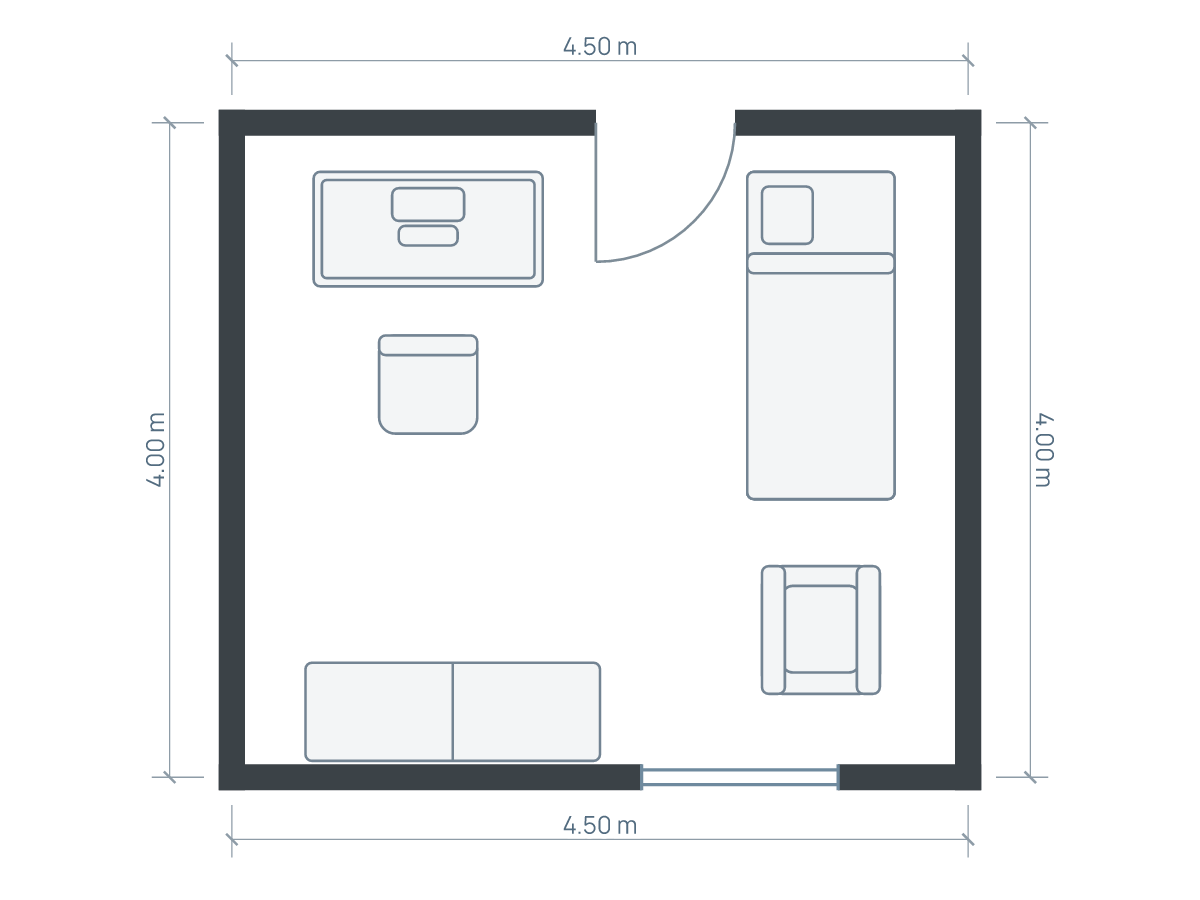
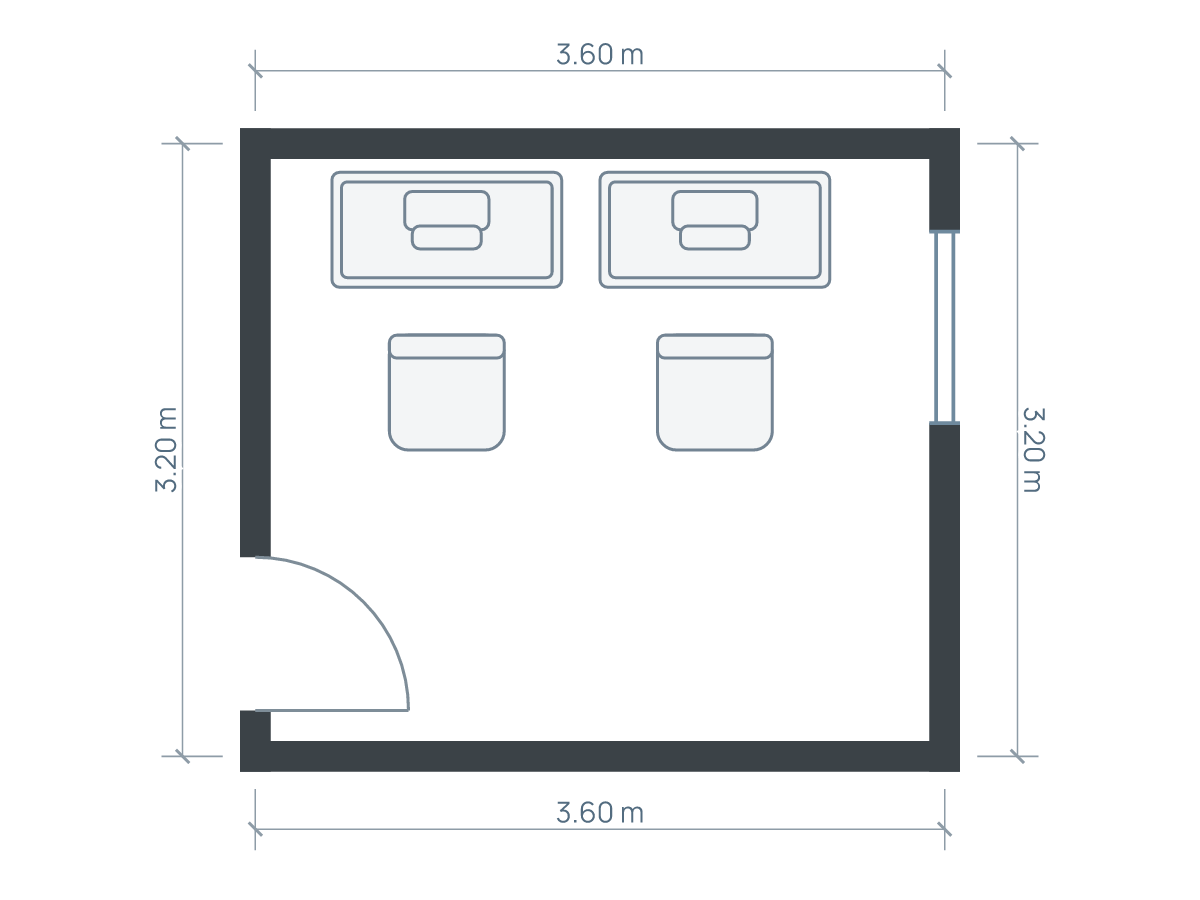
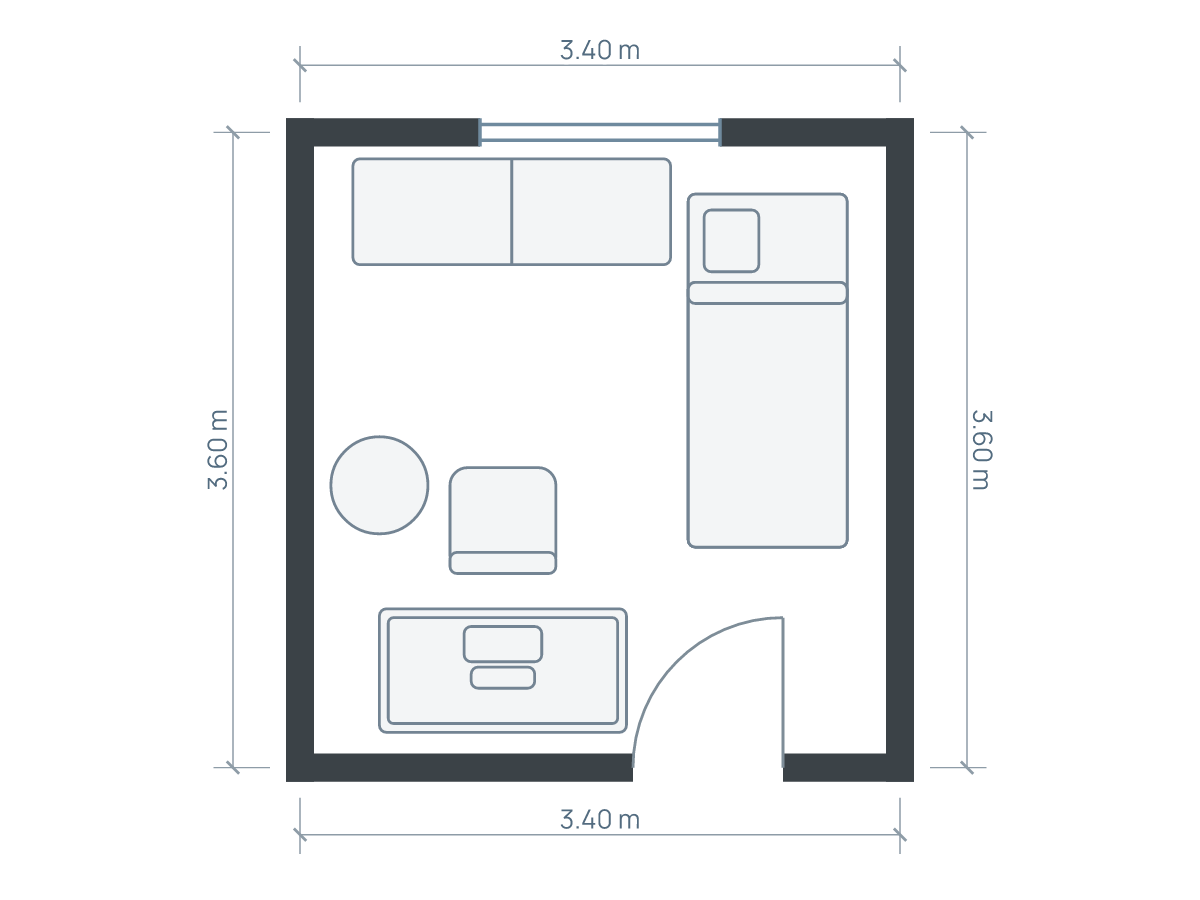
Fit the working position first
Start with a desk large enough for your actual equipment and a chair you can use comfortably. Add the space to sit down, roll back and stand up, then protect the route through the room. Storage and a second seat come afterwards. A desk that fits against a wall does not prove that an office fits around it.
Decide whether this is a permanent workstation or a surface for occasional tasks. A laptop-only session and a day with two monitors, paperwork and a microphone need different arrangements. List what must stay out, what can be put away, and whether anyone needs to walk behind you while you work.
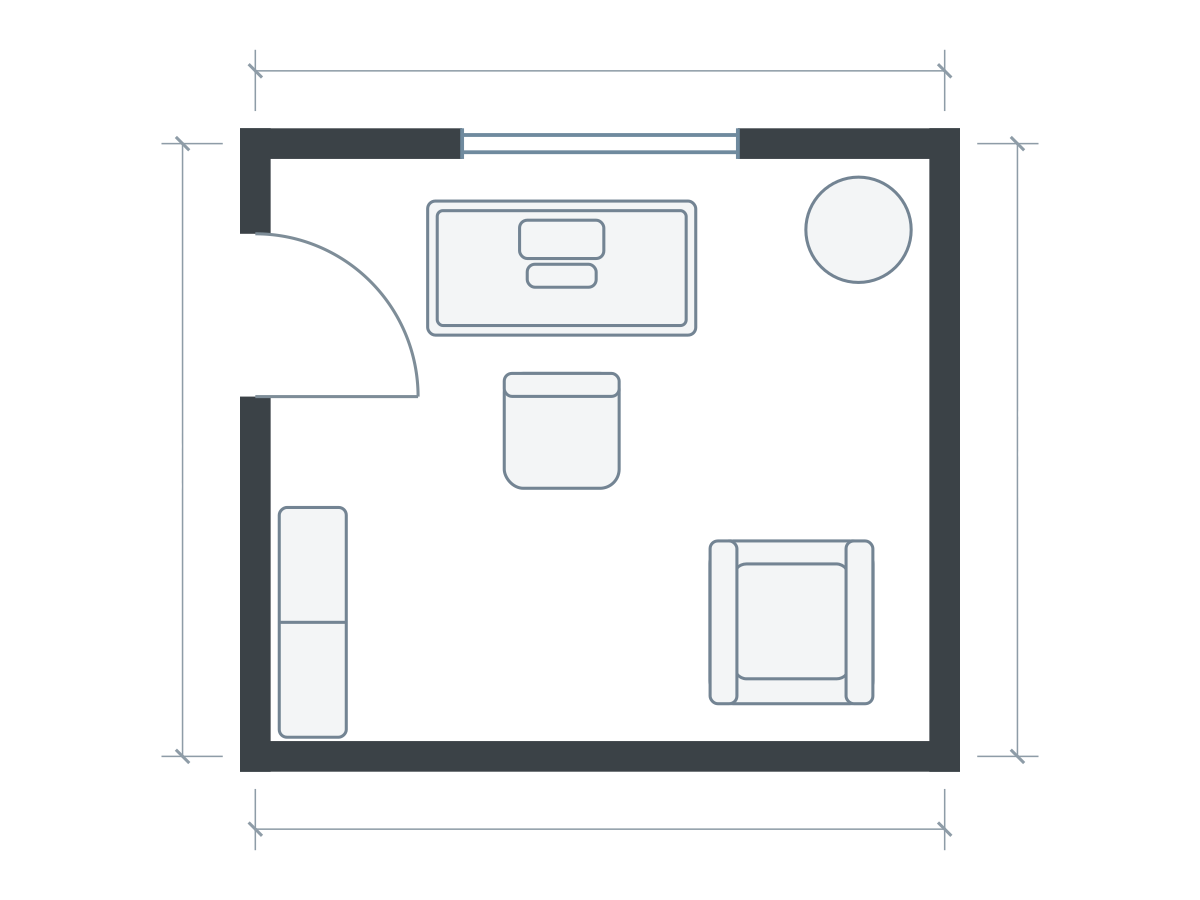
Furniture sizes in this drawing
| Piece | Meters | Feet |
|---|---|---|
| Desk | 1.40 × 0.70 | 4.59 × 2.30 |
| Office chair | 0.60 × 0.60 | 1.97 × 1.97 |
| Bookshelf | 1.20 × 0.35 | 3.94 × 1.15 |
| Plant | 0.55 × 0.55 | 1.80 × 1.80 |
| Armchair | 0.85 × 0.85 | 2.79 × 2.79 |
Related editable example shown above. The written worked example may use a different room or furniture size; follow its stated dimensions. Illustrations show footprints; drawer travel, vertical clearances and continuous walking routes need separate checks.
Work through a 3.6 × 3.2 m room
The editable small home office study uses a 3.6 × 3.2 m wall-centerline outline, approximately 11.81 × 10.50 ft. Its desk is 1.4 × 0.7 m (4.59 × 2.30 ft), and the chair footprint is 0.6 × 0.6 m (1.97 × 1.97 ft). Those are separate objects: do not count the chair rectangle as its complete movement area.
For a first physical test, mark the desk and a 0.9 m (2.95 ft) deep trial zone behind its working edge. The resulting desk-plus-trial-zone depth is 1.6 m (5.25 ft). The 0.9 m is an illustrative test allowance, not an ergonomic or accessibility standard. Sit in your actual chair, move it through the motions you use and revise the allowance.
If a bookcase projects 0.35 m (1.15 ft) from the opposite wall, subtract that separately. Use measured clear internal space for this calculation: a centerline width includes parts of the wall thickness. Doors, skirting and radiators can further reduce the useful width.
Compare a side-lit desk with a window-facing desk
A desk under the window can leave a clean central floor, but the screen, radiator and curtains still need checking. A desk on the adjoining wall may make daylight easier to control while keeping the window accessible. OSHA’s monitor guidance suggests positioning the monitor perpendicular to windows to reduce glare. Treat that as a starting orientation, then check reflections at your working times.
Do not choose a corner simply because it looks unused. Put a temporary work surface there and check the screen, elbows, cables and chair. A corner desk can offer more surface while using more depth than a straight desk; compare the whole occupied arrangement rather than desktop area alone.
Make storage earn its footprint
Keep items used during a task reachable without moving the chair into the entry route. A narrow shelf may be a better use of a side wall than a floor cabinet whose drawers cross that route. Conversely, closed storage can be worth its extra depth if papers otherwise stay permanently on the worktop.
The existing example includes a reading chair. Remove it in an alternate if it competes with the task chair or storage. A room does not need an extra seat to qualify as an office. Measure filing drawers when open, and do not assume shelving can stand safely in any position: follow its fixing instructions.
Avoid the three easy mistakes
- Buying by desktop width alone. Include monitor stands, projecting feet, plugs and the chair base.
- Testing with the chair tucked in. Move it to the position used when standing up and check the doorway again.
- Turning a living-room passage into chair space. If another person needs the same floor while you work, the two uses compete even without furniture overlap.
For employment-related home working, individual equipment needs may require an assessment. The UK HSE guidance explains the assessment approach for workers covered by its rules. A room plan is not that assessment, and local obligations differ.
Test the office before ordering it
- Measure the usable wall, openings and fixed projections.
- Draw the full desk, chair and storage sizes.
- Try the chair in working and standing-up positions.
- Check the screen with the real daylight and equipment.
- Walk from the entry to every part of the room you use.
Try this home office layout, then save an alternate with the reading chair removed or the desk turned. Planlilt’s fit checks can help identify drawn overlaps, but they do not evaluate posture, screen glare, vertical clearance or every walking route.
Sources and editorial approach
Published by Planlilt. Worked dimensions and layout choices are illustrative assumptions unless a source is identified beside a claim. Feet use 1 ft = 0.3048 m and are rounded decimal equivalents. No search-volume estimates or professional certification are implied.
- OSHA: Computer workstation monitors — Monitor orientation relative to windows; no universal room clearance inferred.
- HSE: Using computers and laptops safely at home — Individual assessment approach and scope of UK guidance.
Original Planlilt geometry; illustrative 2D plan, not a photograph or 3D render.