Draw your space.
Trace the outline, enter your measurements, and add the doors and windows.
Planlilt is a free online floor planner for room layouts and furniture placement. Draw in real dimensions, compare arrangements, and export your plan before you move a thing.

Make space
for better ideas.
Use your furniture dimensions. Review overlaps, door swings and the gaps around a selected piece. Compare two arrangements before choosing.
A measured, editable example. Door and furniture positions can be changed.
Start with the dimensions. See your options.
Keep the layout you love.
Trace the outline, enter your measurements, and add the doors and windows.
Place furniture, resize it to match your pieces, and compare the possibilities.
Save on your device, export an image, or share a snapshot with someone.

A place to work. A little more storage. Room for everyone at the table. Start with the everyday things that matter.
Find your next layout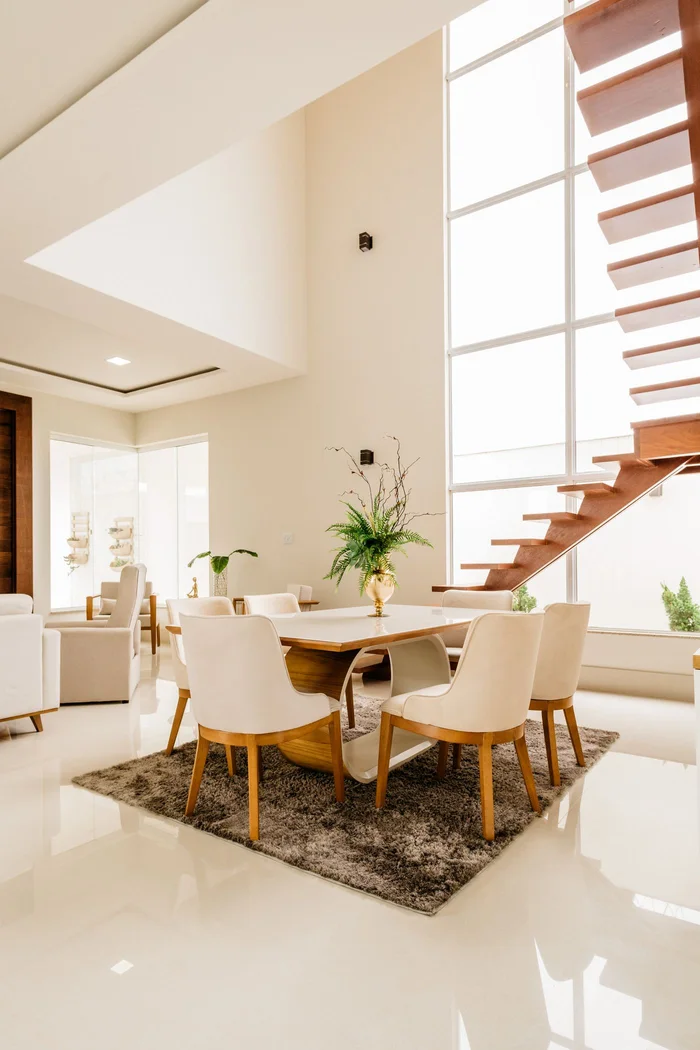 Interior photography, not a planner render ↗
The walls, openings and fixed details to get right before you start.
02Start with the bed. Make storage usable. Leave room to move.
03Give doors, drawers and daily routines the space they need.
All current tools: precise 2D editing, the furniture collection, 3D previews where supported, device-saved projects and editable backups, high-resolution images without a watermark, PDF presentation sets and editable backups. No subscription or payment required.
Projects save in this browser on this device. Download backups before changing devices or clearing site data. Older browser projects remain on their original device until you import a copy. Keep downloadable project backups as well.
Yes. Choose meters, centimeters, feet or inches from the editor’s units selector. All measurements are stored internally in meters, so changing display units does not change your plan.
The 3D view uses your actual plan, with perspective viewing, textured floors, detailed furniture, lighting, and shadows. Drag to orbit and switch between cutaway and full-height walls. It is an interactive design preview, not a certified architectural rendering.
Download a project file or create a snapshot link. Snapshot links contain the design in the URL: anyone with the link can open a copy. They have no live updates, password protection, or revocation.
Planlilt is for furniture layouts and early space planning. Dimensions and examples are illustrative. Verify measurements on site and consult a qualified professional for construction, accessibility, structural changes, and local regulations.